 Surfaced Studio
Midi2Macro 2 Preview: Profiles, OBS Integration and Macro Sequences
Note (October 2026): I filmed this preview in late September, before the launch details were locked in. Midi2Macro 2 now has a release date: 31 October 2026. It costs $20 USD, one-time, with no subscription. For launch week (31 October to 6 November) it’s $12, and if you already own version 1 the upgrade is free.
I press a pad on a Novation Launchpad and OBS switches scene. No plugin, no keyboard shortcut I have to remember to remap, no script. That’s Midi2Macro 2, and it’s almost here.
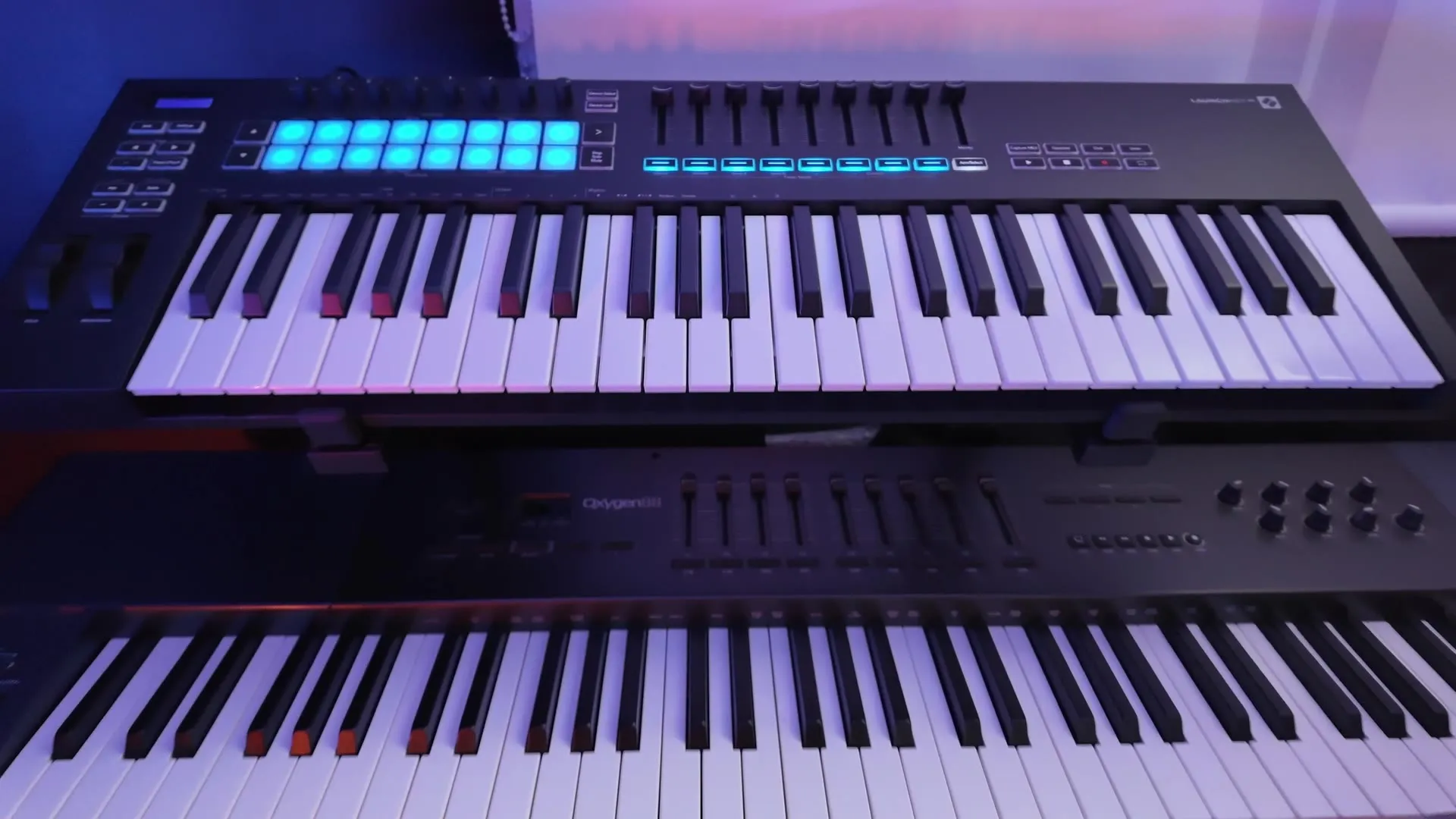
If you haven’t come across it before, Midi2Macro is a small app for Windows and Mac. You plug in a MIDI controller you already own, then map its pads and keys to actions on your computer: open an app, open a folder, fire a keyboard shortcut. All of it happens in the interface, so there’s no coding involved.
Version 2 started as a list of requests. Over the years people kept asking for the same things. Different bindings for different apps. A proper OBS connection. Sound effects. Launch arguments. Custom scripts. I wanted most of them too, so I rebuilt the app. It looks completely different now, but the core idea hasn’t changed: a controller in, actions out.
A Quick Disclaimer: I Make This
Midi2Macro is my own app, built and sold by me. So take this as what it is: a developer walking you through what he’s built, not an independent review. I’ll be straight about what it doesn’t do yet, too.
Profiles (1:33)
Profiles were the most requested feature by a long shot. A profile is a complete set of bindings, and you can create as many as you like and switch between them. Same controller, different job. The pad that starts your recording in one profile can open your project folder in another.
Per-App Switching (1:52)
This is the feature I’m happiest with. You tell a profile which apps it belongs to, and when one of those apps comes into focus, Midi2Macro switches to that profile automatically.
Click into OBS and your streaming profile loads, with your pads controlling scenes and recording. Switch to your editor and the same pads now fire your editing shortcuts. You don’t touch anything. The controller follows you around as you change apps.
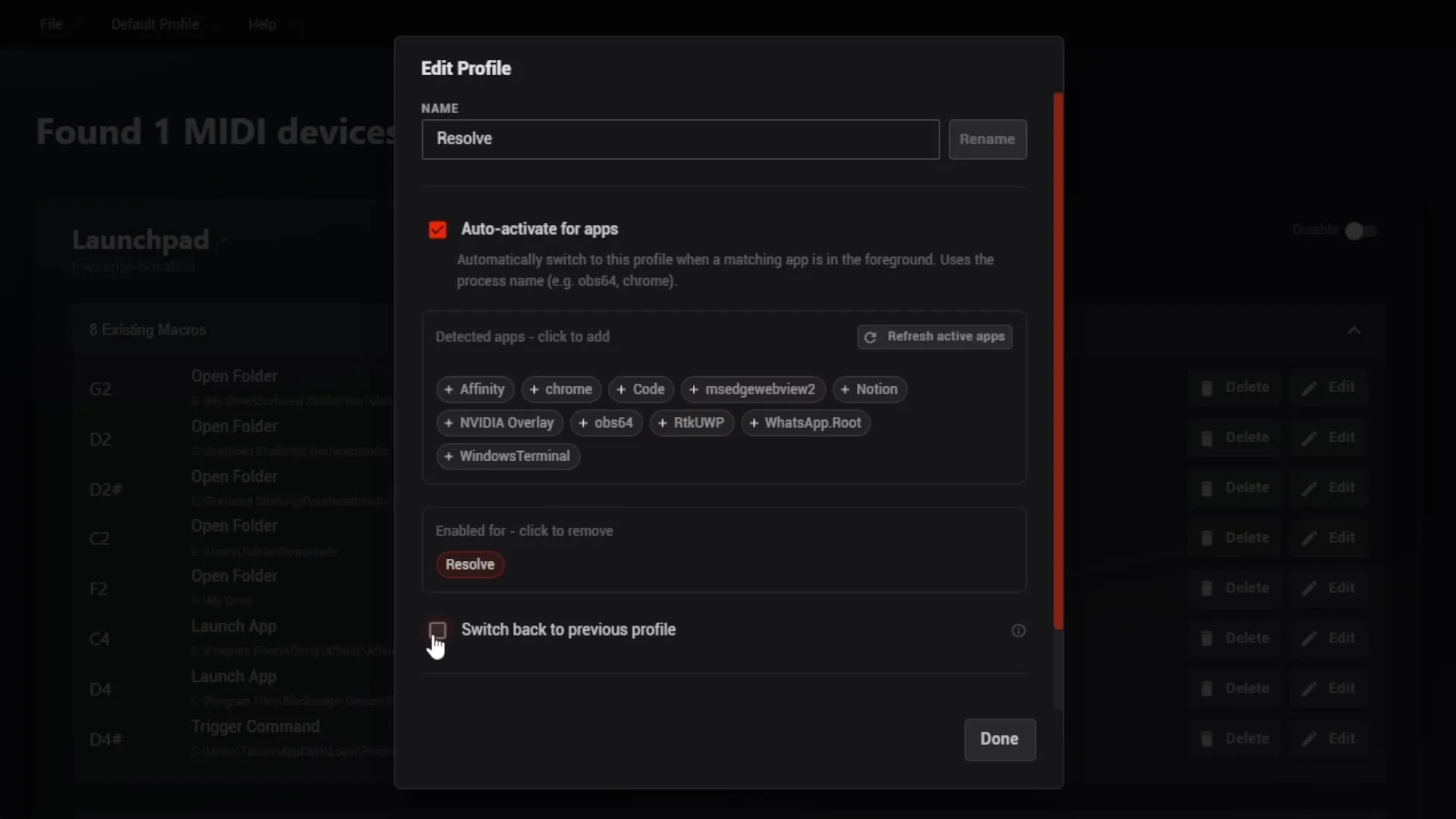
Midi2Macro lists the apps you’re currently running, so setting it up is a matter of clicking the ones you want. There’s also an option to jump back to your previous profile when you leave that app.
OBS Integration (2:13)
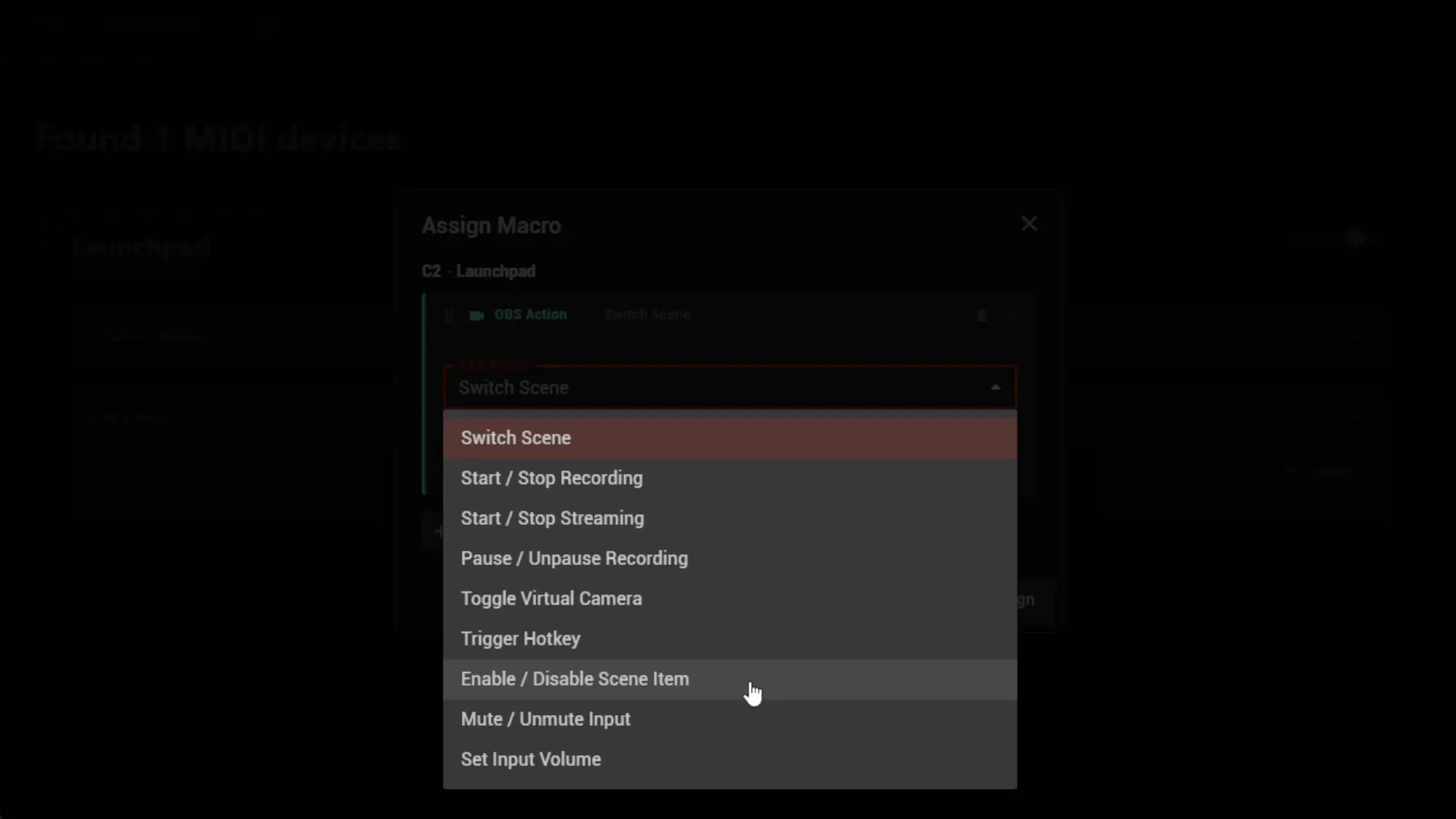
Version 1 could drive OBS, but only through keyboard shortcuts that you then had to map again inside OBS. Version 2 connects to OBS directly through its official WebSocket, so a pad talks to OBS without the shortcut in the middle.
From a single pad you can:
- switch scenes
- start and stop recording or streaming
- pause and resume a recording
- toggle the virtual camera
- show or hide individual sources in a scene
- mute and unmute inputs, or set their volume
CC Support for Pads, Pedals and Foot Controllers (2:43)
This one comes up constantly from people with foot controllers and pad controllers. A lot of controllers don’t send MIDI notes at all. They send CC (control change) messages, which version 1 couldn’t use.
Version 2 supports CC fully. If a pad, key or pedal sends a control change message, you can trigger any macro from it, exactly like a note.
Faders and Knobs: A First Step (2:58)
Midi2Macro 2 also reads faders and rotary knobs, but I want to be upfront about where that stands. Right now the one useful thing you can do with them is control the volume of your inputs in OBS.
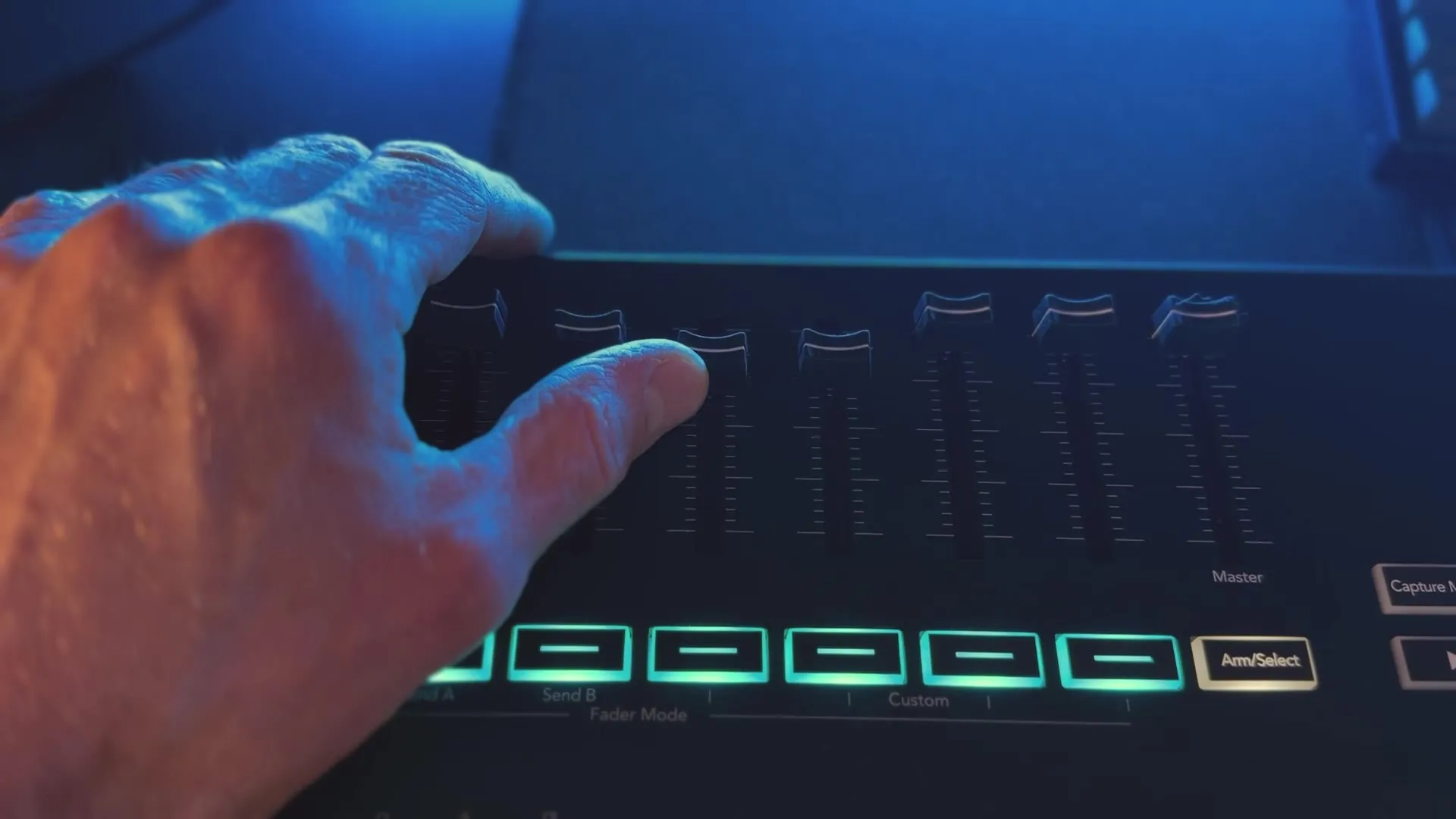
People have asked about scrubbing a timeline in Premiere Pro or DaVinci Resolve, or changing the system volume. Those need a deeper, app-specific integration than a keyboard shortcut can give you, so they’re a question for version 2.5 or 3. They’re on the list. For now, think of fader support as the groundwork.
Macro Sequences (3:43)
The biggest change is how you build macros. There are more action types now: everything for OBS, plus playing a sound effect and running a custom command or script. More importantly, every macro is a sequence.
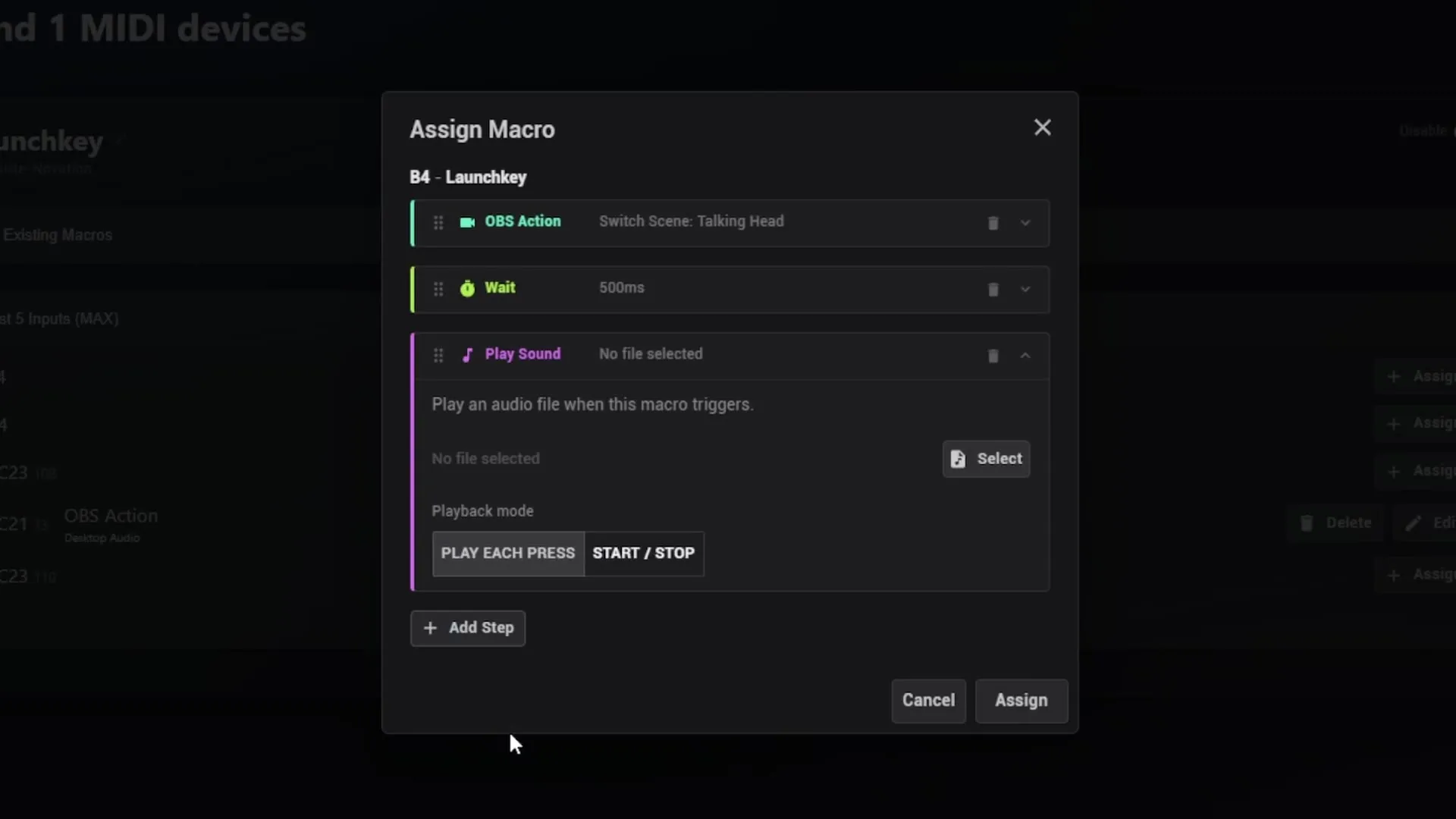
A single key can play a sound effect, wait a second, switch scene in OBS, wait another second, then play a second sound. You stack steps and reorder them however you need. It’s a different way of thinking about macros from version 1, and it gives you a lot more control over what one press actually does.
The Small Things (4:19)
Version 1 was missing a few basics, so version 2 adds them:
- launch at login
- minimise to the system tray
- an update check on startup
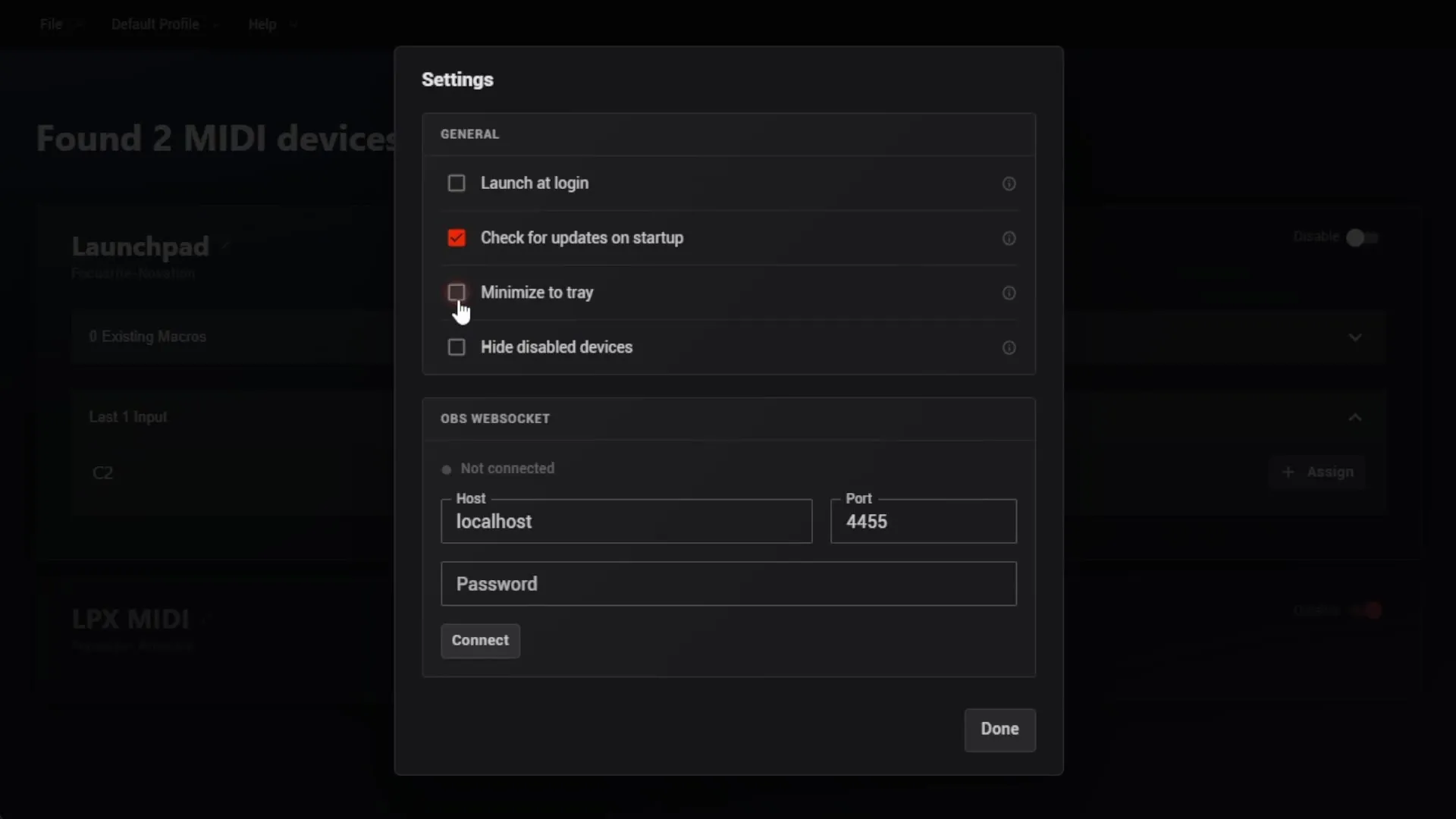
The update check tells you when a new version is out and links you to the download. You still install it yourself, but you won’t need to keep checking the website or wait for a new video to find out about a patch. Given how often I make videos, that’s a relief for both of us.
One Installer and a Licence Key (4:29)
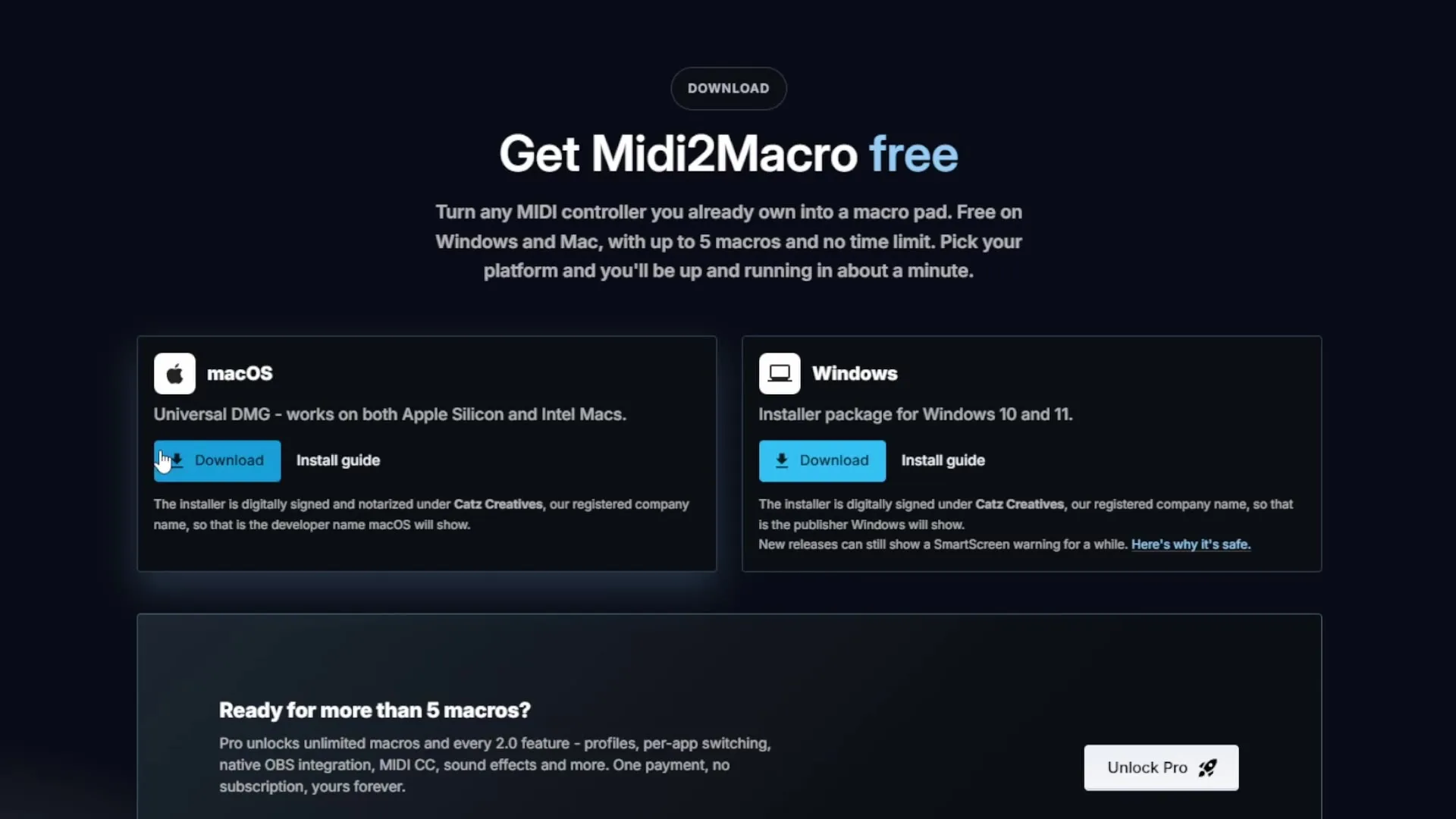
Licensing works differently now. Version 1 had separate demo and full installers, and people kept getting them mixed up. Version 2 has one installer.
Out of the box, it runs in free mode, limited to five macros, with no time limit. When you want more, you buy a licence key, paste it in, and your existing install becomes the full version. No second download, nothing to reinstall.
If You Already Own Version 1 (5:18)
You get version 2 for free. I’ll send everyone who bought version 1 the new installer and a version 2 licence key. Version 2 does cost more than version 1 did, so if you’ve been thinking about it, buying now gets you both.
What’s Still Left Before Release (5:42)
When I filmed this, a few things were still outstanding:
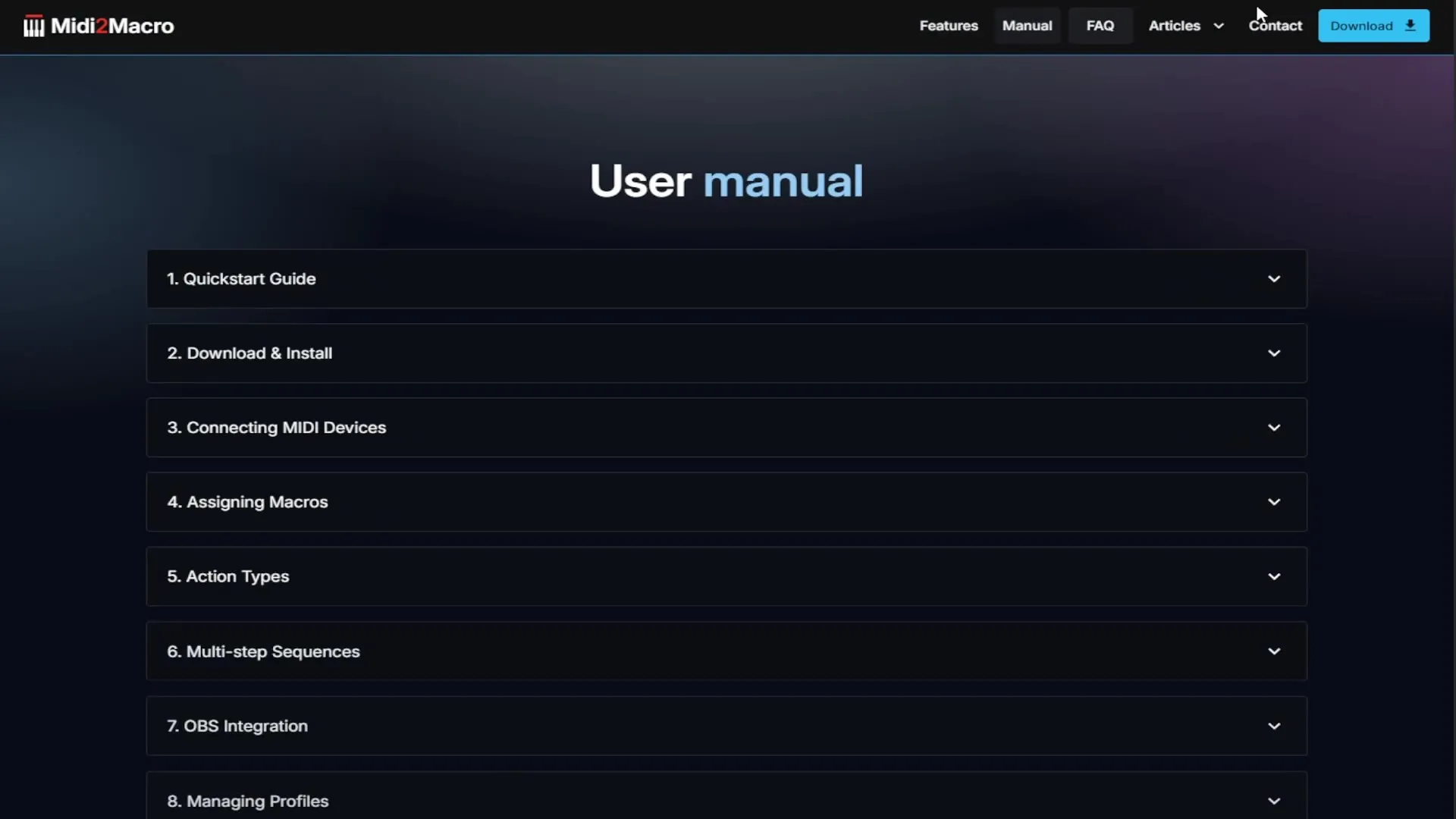
- finishing the last sections of the manual
- writing a couple of articles
- thorough testing, especially on macOS
There will be bugs. There always are. When reports come in, I’ll fix them and push out a patch, and the update check means you’ll hear about it the next time you open the app.
None of this would exist without the people who emailed me ideas, requests and complaints about version 1. Thank you. Once version 2 is out, try it and tell me what works and what doesn’t. That feedback decides what goes into the next version.
Midi2Macro 2 is out on 31 October. Until then, version 1 is at midi2macro.com, and the upgrade to version 2 comes free with it.